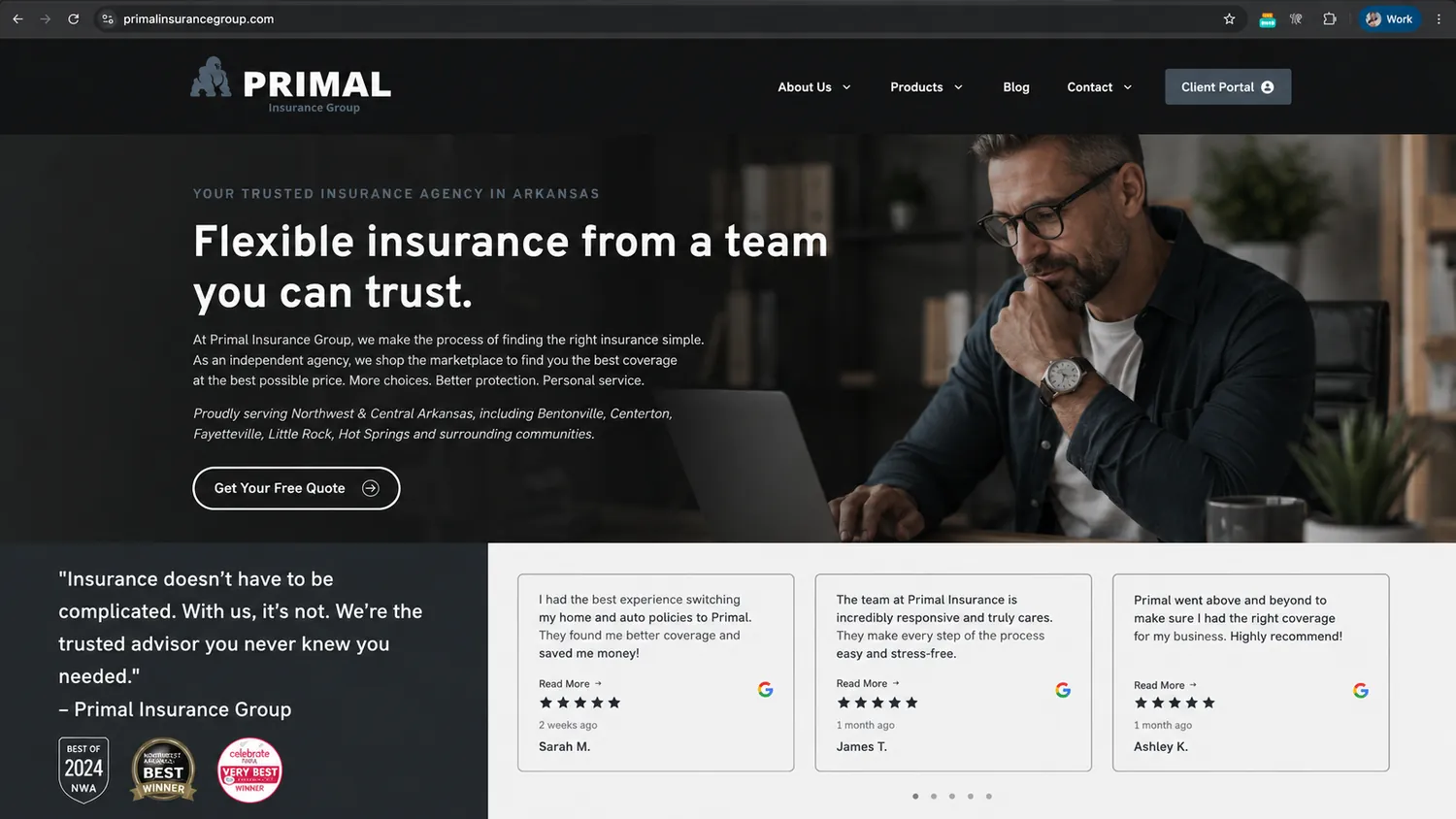
Before we build it, here's what finished looks like.
One brand — yours — carried through every place your clients already touch your agency, ending in a portal that answers the questions they'd otherwise call you about.
GloveBox branded example · Primal Insurance GroupStandard Bundle
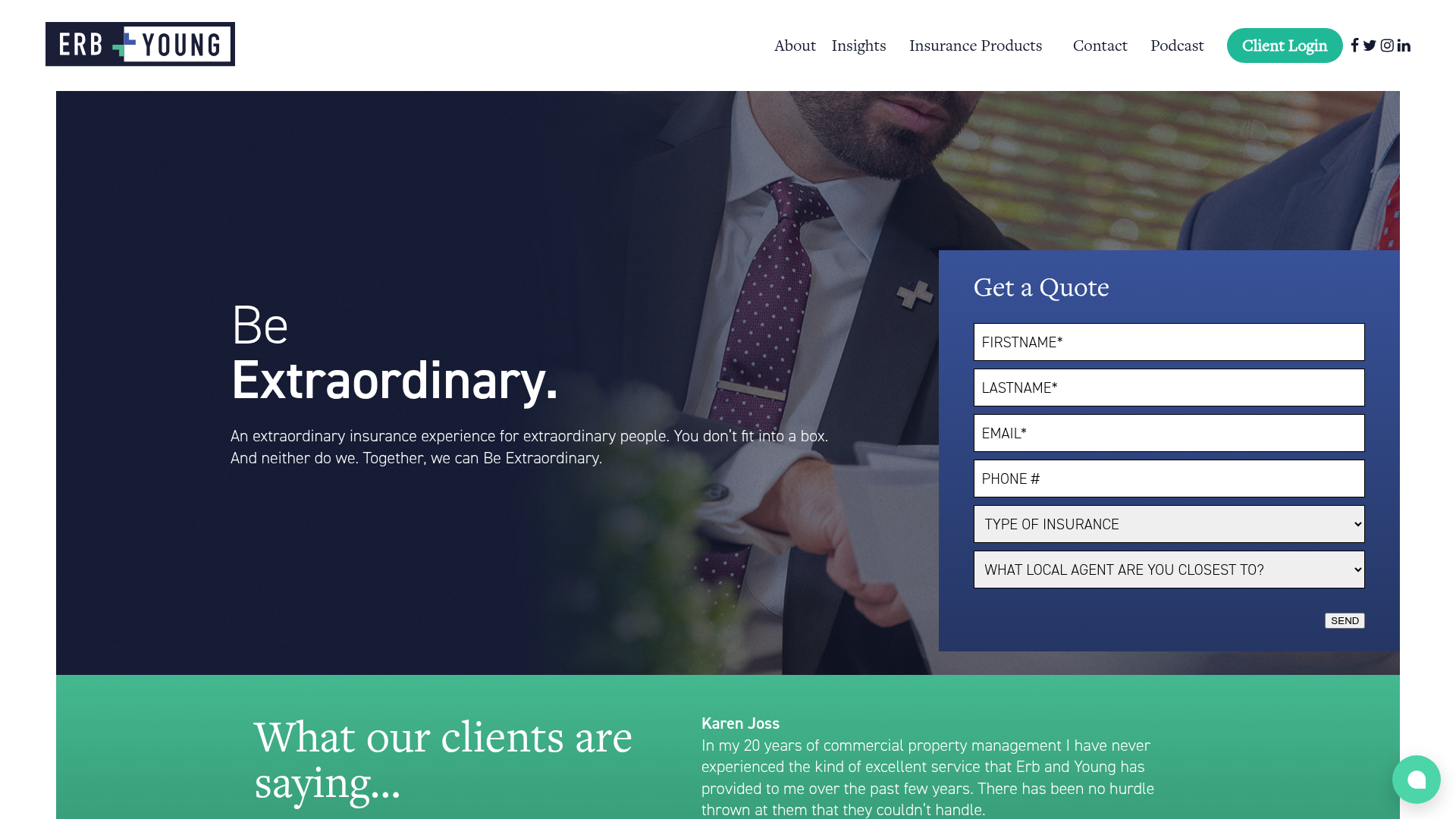
Your website
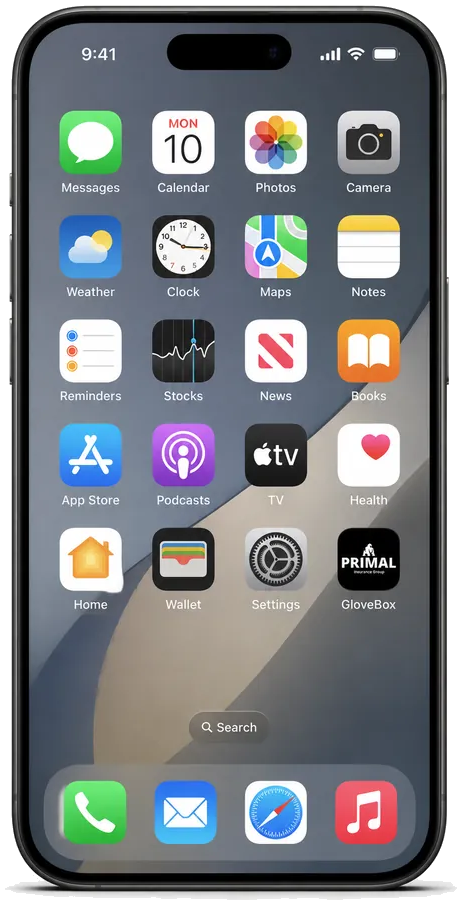
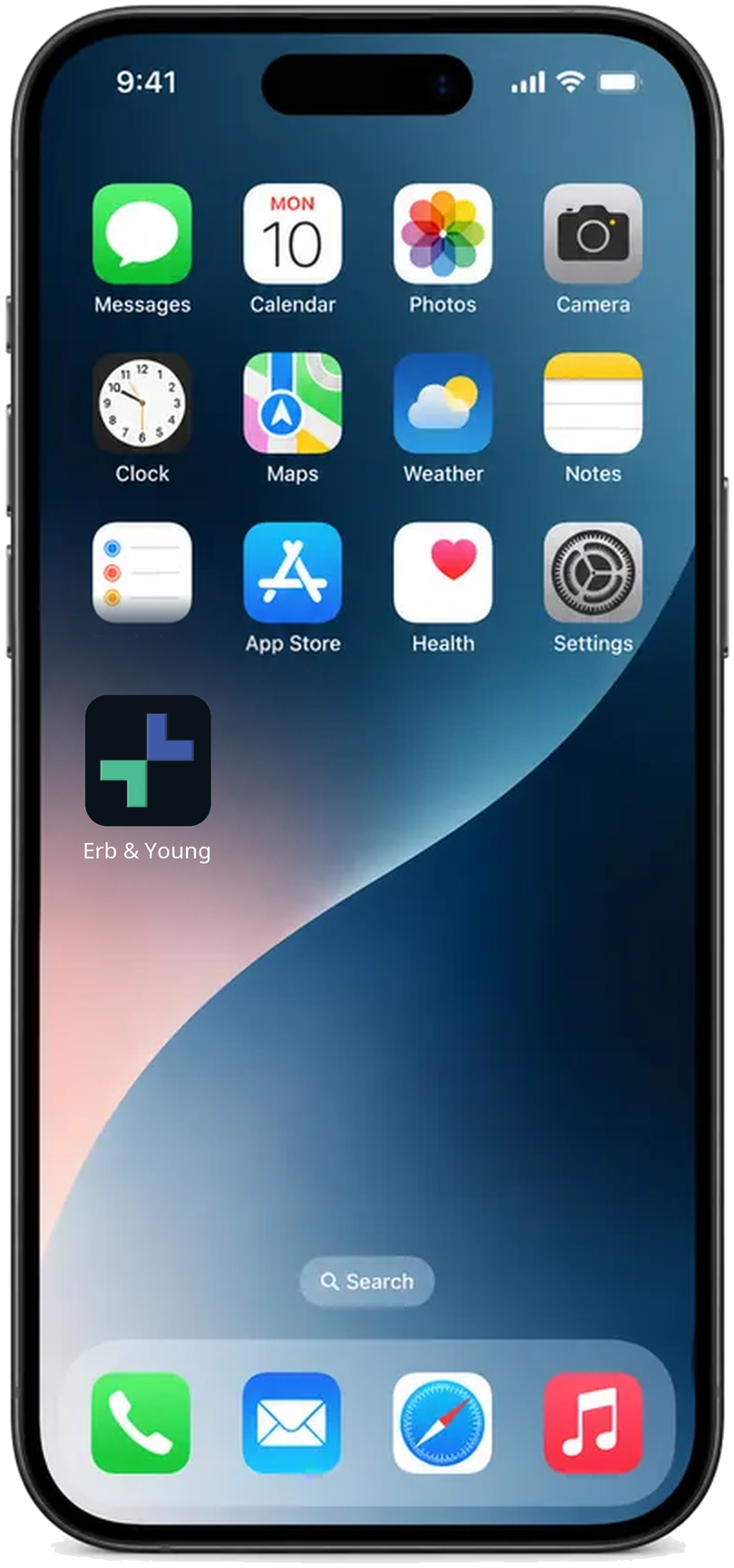
On the phone
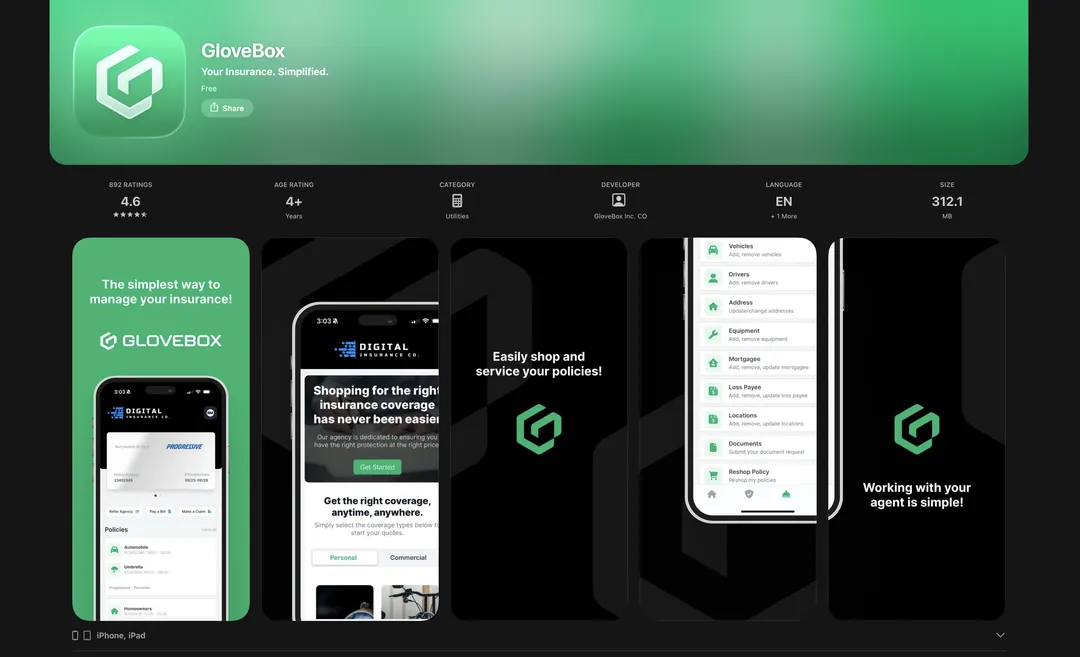
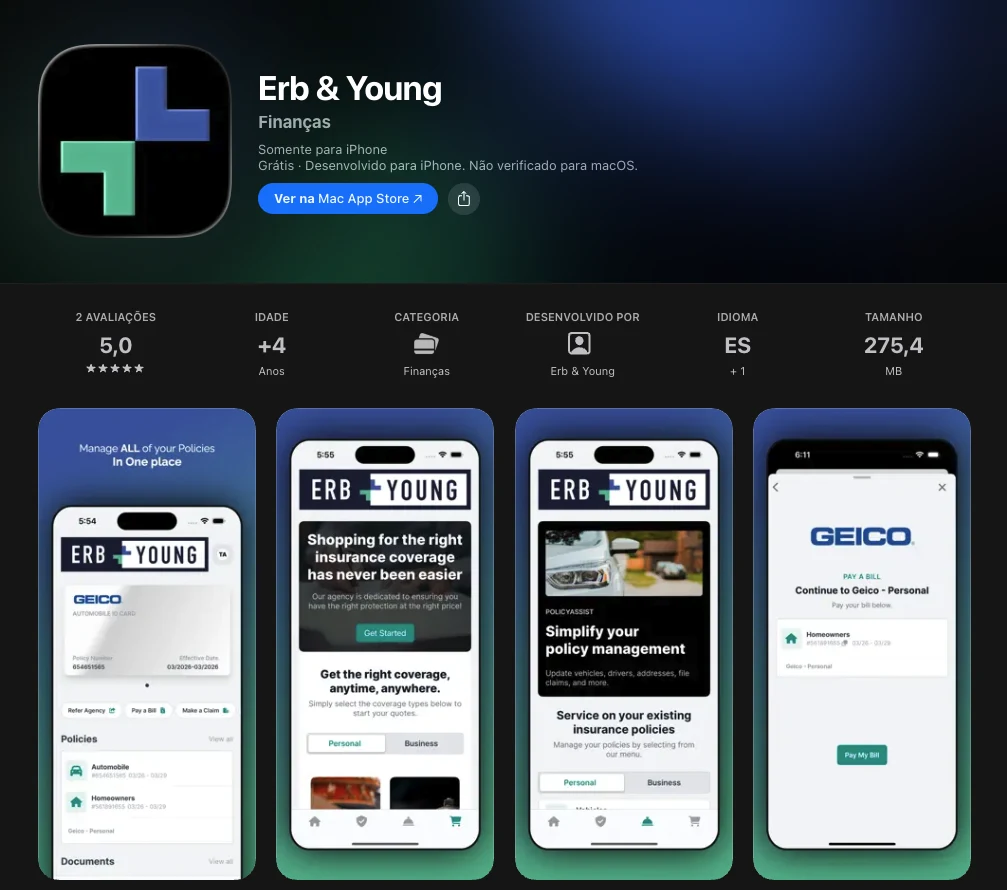
iOS App Store · live today
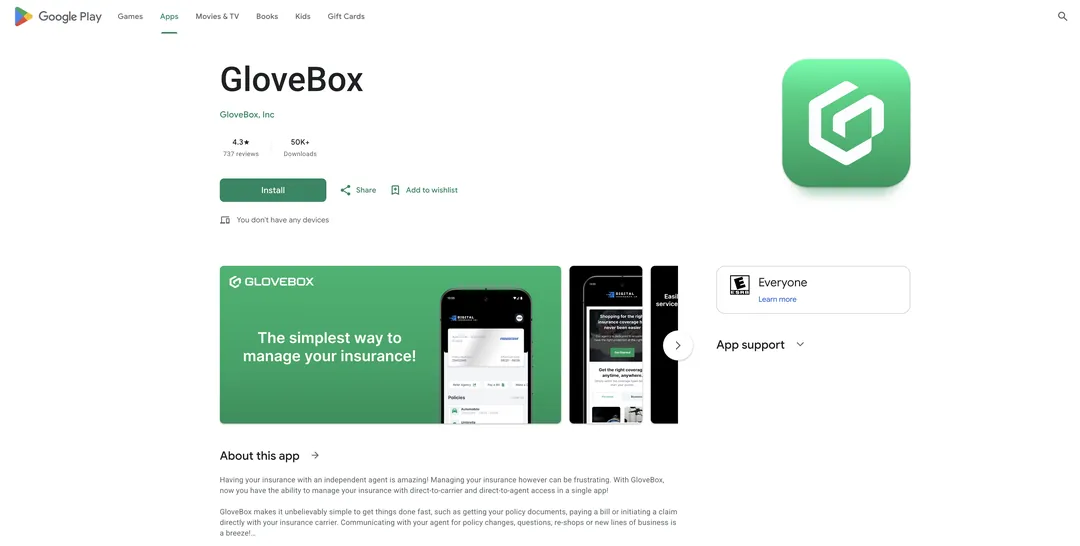
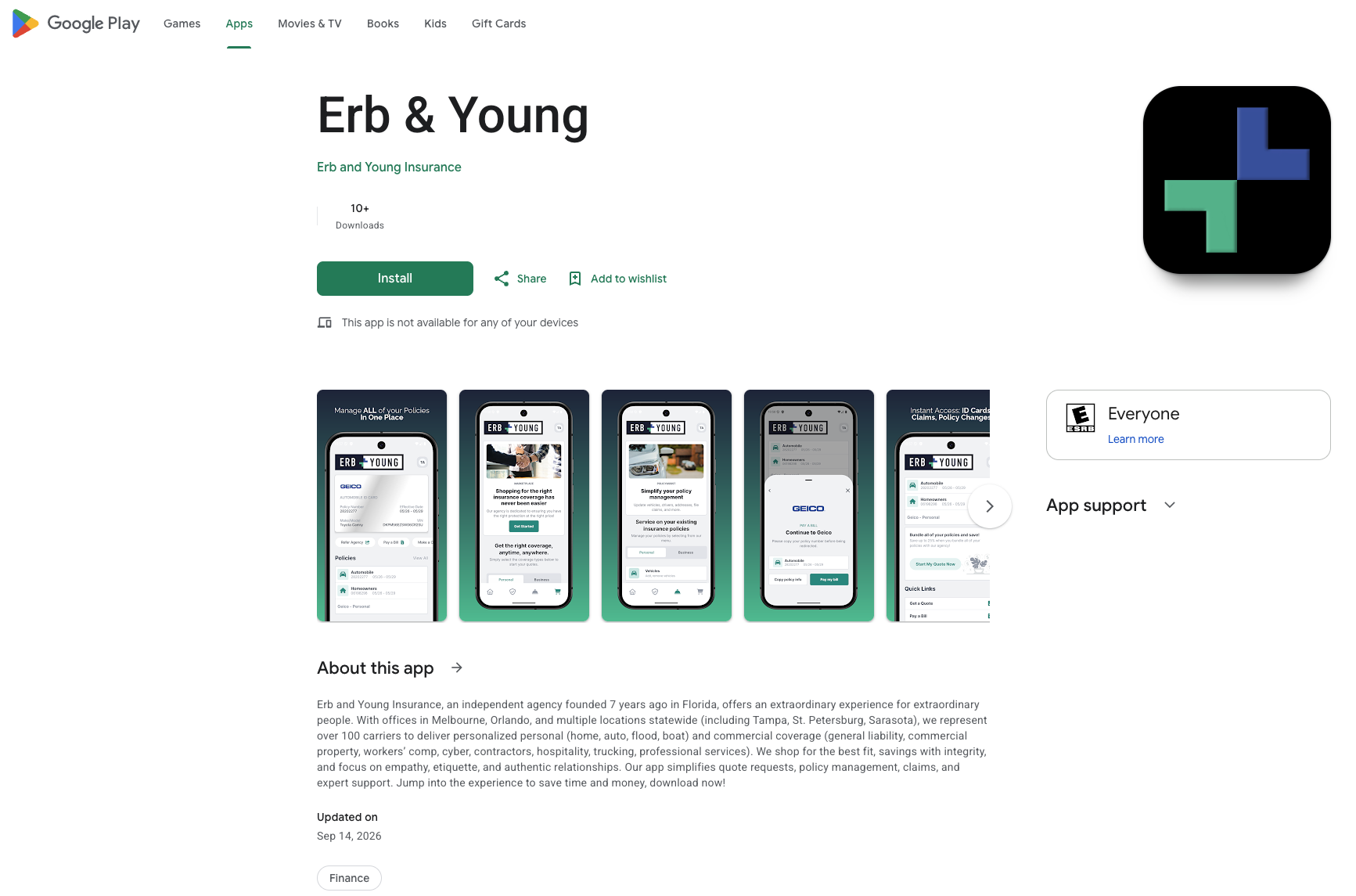
Google Play App Store · live today
One brand, every touchpoint, into your ClientHub
Setup manifest
Website
Email signature
Auto-reply
On-hold & voicemail
Action Menu
QR & app
ClientHub
What we collect from you
Brand identity
Agency logo
Brand color scheme
App icon & favicon
Contacts & links
Service & sales contact details
Review & social links
Capture links for bill pay, quotes or service requests
We build from these
Your branded button
QR code
Quote & service request forms
Example adoption growth
Each touchpoint contributes its own boost to client adoption.
Website+4%
Email signature+5%
Auto-reply+7%
On-hold & voicemail+5%
Action Menu+6%
QR & app+8%
ClientHub+5%
Total client adoption40%
Example of what’s possible if the Launch Plan is followed, not a guaranteed outcome.
Featured agency · White Label BundleErb & Young
Your website
Client Login On the phoneiOS App Store · your accountGoogle Play App Store · your account
Capture links for bill pay, quotes or service requests
Example adoption growth
Each touchpoint contributes its own boost to client adoption.
Website+12%
Email signature+8%
Auto-reply+7%
On-hold & voicemail+8%
Action Menu+10%
Your app+15%
ClientHub+10%
Total client adoption70%
Example of what’s possible if the Launch Plan is followed, not a guaranteed outcome.
The plan · 30 to 90 days
The proven game plan of success.
We lead the charge on this project and drive it forward with you, so it stays simple to follow on your end. Each step is small and builds on the last, and we will stay with you for up to 90 days if that is what your team needs.
Day 0Day 90
01Set up your HQDays 1–14
Where we build & configure your platform
02Make it visibleDays 7–21
Making it easy for clients to engage so they know it is there
Your customized sales and service workflows
03Soft launchDays 21–45
Incrementally training your team on the key features
Starting to gain client adoption
04Full launchDay 30–90
Rollout campaign turns on
Tracking policyholder adoption and staff usage
Maximizing your value
White label · in parallel
Your branded web, iOS and Android apps are built alongside all of this — we build in 21 days from your materials, then Apple and Google review. Soft launch starts well before they land.
Week by week
Your launch, week by week
Data integration comes first, because nothing else can move until your book is in. Set-up work then runs in parallel rather than one item at a time, and your soft launch stretches or shortens with the lane you pick — which is what sets your go-live date.
Week 1
Week 2
Week 3
Week 4
Week 5
Week 6
Week 7
Week 8
90 Days
Ongoing
Data integration
HQ configuration
Website optimization
Agency tech updates
Soft launch · 1–3 Action Menu items a week
Run live wk 3
Walk live wk 4
Crawl live wk 6
Client rollout campaign
Adoption tracking & success syncs
Kickoff
Product set up
Soft launch
Live & ongoing
All
GloveBox + your team
Your team · we coach weekly
Your CS partner
We build and configureYour team, with weekly coachingLive with your clientsWhere each lane goes live
Step 01 · Days 1–14
Set up your HQ
We do the configuration. You get your team in the door and trained. Kickoff happens within three business days of signing.
Kick Off CallYour game plan, your goals, and what success looks like for your agency
Policy Assist and Marketplace configuredClient self-service and cross-sell paths turned on for your book
Your team added and invites acceptedSend us your staff roster and we handle the invites
AMS data integration completedOur data team handles the heavy lift, within three business days of signing
Training 360Live session with your team, recorded so anyone can catch up
Product ShowcaseWe show your team the finished product and what it does for them
Who does what
GloveBox
All configuration, the data import, all invites, both live sessions
Your team
Send the roster, accept invites, show up to training
Why this matters
This makes sure ClientHub is set up the way you want it, customized to your specific sales and service workflows, your team has access, and everything is on brand and up to your expectations.
Step 02 · Days 7–21
Make it visible
Your clients have been trained for years to call you, email you, or visit your website. We update every one of those places to gently point them to a faster, 24/7 way to work with your agency — so they learn it passively, without being asked to change anything. Every sales and service workflow lives in ClientHub, so the easier it is to find, the more adoption and engagement you get. Good for your team, good for your policyholders.
Your websiteOptimizing your website so sales and service workflows are managed through your ClientHub
Staff email signaturesEvery email your team sends becomes a soft invitation
Out-of-office and auto-reply"Need a document right now? Here's your portal."
On-hold recording and voicemailCatch clients while they wait and enable them right away, 24/7, before they ever reach a person
Action Menu and capture linksClients can use the Action Menu to find bill pay, quote, and service links inside GloveBox
Who does what
GloveBox
We lead with best practices and review everything you put together, so you never start from scratch. Hundreds of agencies already run this way.
Your team
The team leader for each of these areas, or a connection to your web developer
Why this one matters
Making ClientHub visible is what drives adoption, and adoption is what gives your clients a better experience — enabled 24/7, even when your office is closed.
The more adoption you get, the more operationally efficient your team becomes.
Step 03 · Days 21–45
Soft launch, at your pace
You introduce GloveBox in your own voice. Then we outline one to three new habits per week, so your staff can easily engage with the product in the key workflows, get comfortable on the platform, and start gaining client adoption and traction they can see.
Agency announcement emailTake a stab at it yourself, or we will help refine it against best practices we have seen.
We start using the key actions that policyholders and your staff hate dealing with
Mobile app download
Drives mobile app downloads so you live on your client's phone
Auto ID cards
Show policyholders where their auto ID cards can be found
Bill pay
Enable clients to pay agency or direct bill with the click of a button
PolicyAssist
All your service workflows, so the client has a spot to enter details
Embedded Marketplace
All your sales workflows
What GloveBox does
Bite-sized instructions
We show your staff exactly how each action item works in their day-to-day role — not a manual, just the one thing to do that week
Weekly feedback
We gather feedback every week on how it is working, and adjust the next week around what we hear
Why this matters
Small wins your staff can actually feel, week after week. That is what makes the change stick instead of stalling out.
Your staff start using the product gradually and seeing wins, and your policyholder adoption starts to grow alongside it.
Step 04 · Day 30–90, then 90 days after
Full launch, and the 90 days after
Your team already knows the product before a single client campaign goes out. That is the whole point of the order we do this in.
You pick the go-live dateWe never turn on a campaign you have not signed off on
Email and SMS rollout campaigns turn onInvitations go out to your whole book, branded to you
Regular check-ins depending on client tierWe watch your agency's usage and your policyholders' adoption closely, and fix anything that looks off
We watch the numbers with youClient adoption and staff usage, reviewed together, with a plan when something needs a nudge
What you should expect to see
Fewer calls for documents and ID cards. Clients self-servicing. Your team reaching for GloveBox instead of an email attachment, and gaining back bandwidth for revenue-generating work.
After 90 days
You keep your CS partner
We continue touching base on a regular cadence based on your customer tier, to keep moving you toward your agency goals.
In parallel · 60–90 days
Your own branded apps, built alongside everything else
This runs on its own track from day one. It does not hold up your launch, and you do not wait on Apple to start getting your clients engaged.
Your branded web versionBuilt with our team, first thing on this track
Colors, logo, app icon and splash screenYou choose the scheme and send the artwork, we handle the rest
Apple and Google accountsSet up in your agency's name — we walk you through it step by step
We build in 21 daysFrom the day we have your materials and account access
Then app store reviewApple and Google set that clock, which is the part nobody controls
Why 60–90 days
Our build is 21 days. The rest is store review plus how fast colors, logo and account access come back to us.
The faster you turn those around, the closer to 60 you land.
One sequencing note
App download moves later
Because your app is still in build, the mobile app download step comes after your apps are live. Everything else in the Action Menu runs on schedule.
Your pace
Pick your lane
We bite off each of these depending on how fast your team wants to go.
Choose this lane if
Your team has not rolled out new software recently
Staff are stretched thin and change needs to land gently
Nobody internally owns projects like this today
You would rather one habit stick than four half-land
Choose this lane if
Your team has adopted new tools before and it went fine
Someone on staff can champion this internally
Service volume is busy but manageable
This is where most agencies land
Choose this lane if
Your team picks up new technology quickly
You have an operations lead driving this
Leadership wants to be live and seeing results fast
You already run team huddles we can plug into
How the pace works
You choose
We ask how much change your team can take on, and set the pace to match
We adjust
If a week gets away from you, we slow the pace down. Unfinished items never stack up on top of new ones.
Bronze tier
Bronze agencies run the same four-week game plan — the difference is that it is delivered by email rather than on weekly calls. If you would like a dedicated rep guiding you and the freedom to set your own pace, you can upgrade to a higher tier at any time.
Service tiers
What you get, and for how long
Every tier moves through the same four steps and gets the same three core calls. What changes is how often you see us — during setup, through your first 90 days, and every year after.
Bronze
Silver
Gold
Platinum
Dedicated CS partner
✓
✓
✓
✓
Getting live · target 21 days to go-live ready
Kick Off Call
✓
✓
✓
✓
Platform Review Call
✓
✓
✓
✓
End of GamePlan Meeting
✓
✓
✓
✓
Game plan cadence
Email-based
Weekly meeting
Weekly meeting
Weekly meeting
First 90 days after launch · weekly touchpoints
Month 1 · success syncs
2×
4×
4×
Month 1 · email updates
4×
2×
—
—
Month 2 · success syncs
—
1×
2×
4×
Month 2 · email updates
2×
3×
2×
—
Month 3 · success syncs
—
1×
2×
2×
Month 3 · email updates
1×
3×
2×
—
Ongoing as a customer
Ongoing success syncs
Every 6 months · email
Quarterly
Every other month
Monthly
Annual business review
Email-based
In person
In person
In person
Data support
Data analysis scorecard
Yearly
Yearly
Every 6 months
Every 3 months
Support response time
Within 24 hours
Within 12 hours
Within 6 hours
Within 3 hours
Support resolution timewhen possible, depending on the issue
Within 7 days
Within 5 days
Within 3 days
Within 2 days
Want more of us?
Any tier can move up. Take a one-time upgrade to sit in a higher tier for a single year, or add it to your subscription so you stay in that tier for good. Your CS partner can price either option on your next call.
Building your White Label…
Hang tight while we assemble your branded experience.